
A preset is a group of questions that stays together on a form. It moves as one card. You can build presets your whole agency can use.
This page is for agency owners and admins. Everyone else can only use the presets. They cannot change them.
Create A Preset
-
Look at the top left corner of the page. Click the logo.
-
Click Back Office Menu.
-
Look along the top of the page and click Agency.
-
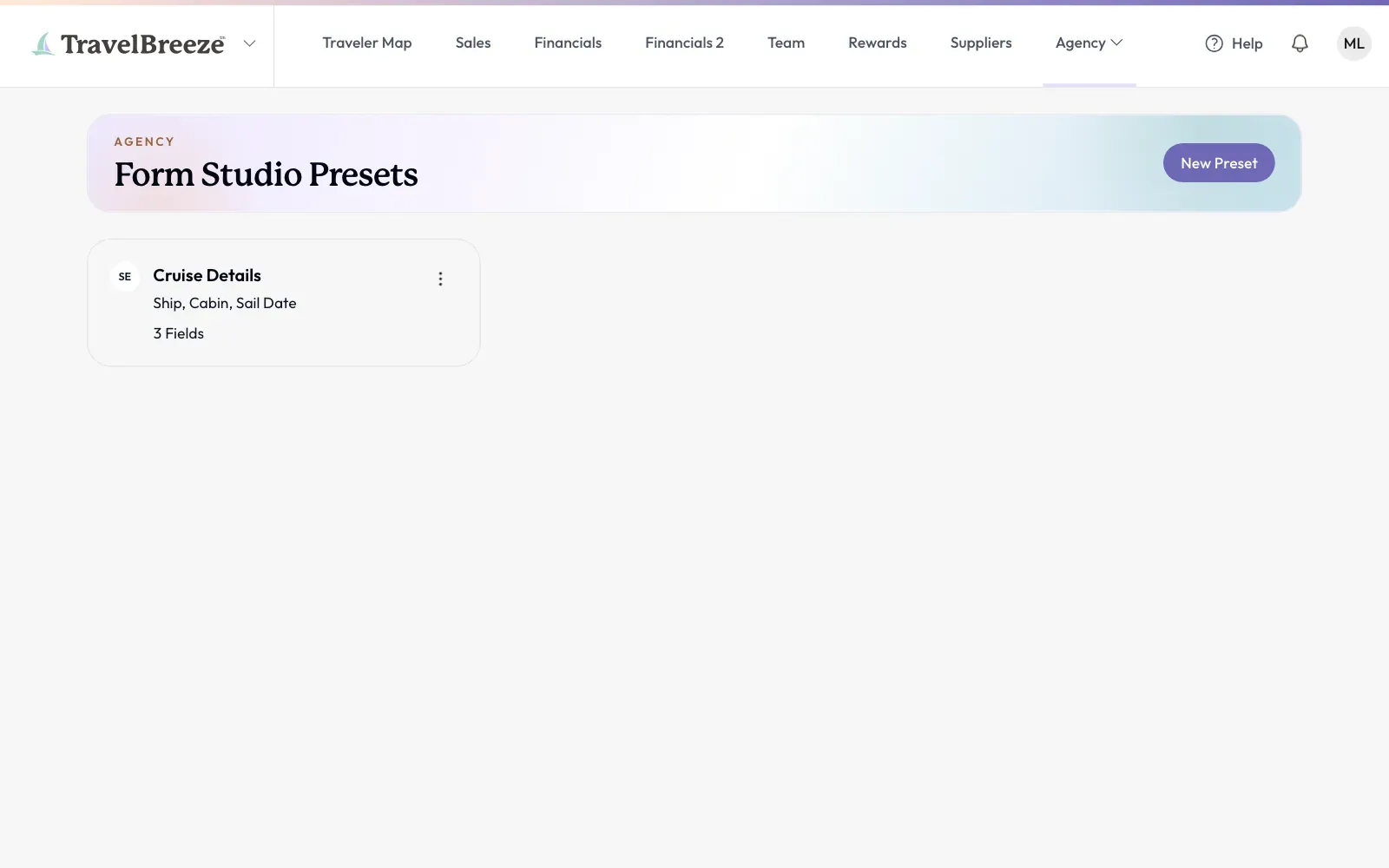
Click Form Studio Presets.
-
Click New Preset at the top right of the page. The builder opens.
-
In the Title box, type a name, like "Cruise Details".
-
You can type in the Description box if you want to. Advisors see it. Travelers do not.
-
On the left side, click Bundles or Fields.
-
Click each question you want. It appears in the middle of the page.
-
Click Save at the top right corner of the page.
The button turns green and says Saved. A preset can hold up to 24 questions. It cannot hold another preset.
Keep An Answer Private
-
Click the question in the middle of the page.
-
On the right side, click Sensitive Information.
-
To stop advisors from turning this off, click Advisors Cannot Change This.
How Advisors Use It
Advisors open the form builder and click Presets on the left side. Your preset is under Your Agency. They click it, and it appears on their form.
Good to know: If you update or remove a preset later, forms that already use it stay the same.
Stuck? Do not see Form Studio Presets? Only owners and admins can see it. Read Change What Someone Can Do In Your Agency.