
My Statistics shows how your work is going. My Calendar shows what is coming up. Both are under Dashboard at the top of the page.
See Your Statistics
-
Look at the top of the page and click Dashboard.
-
In the menu that opens, click My Statistics.
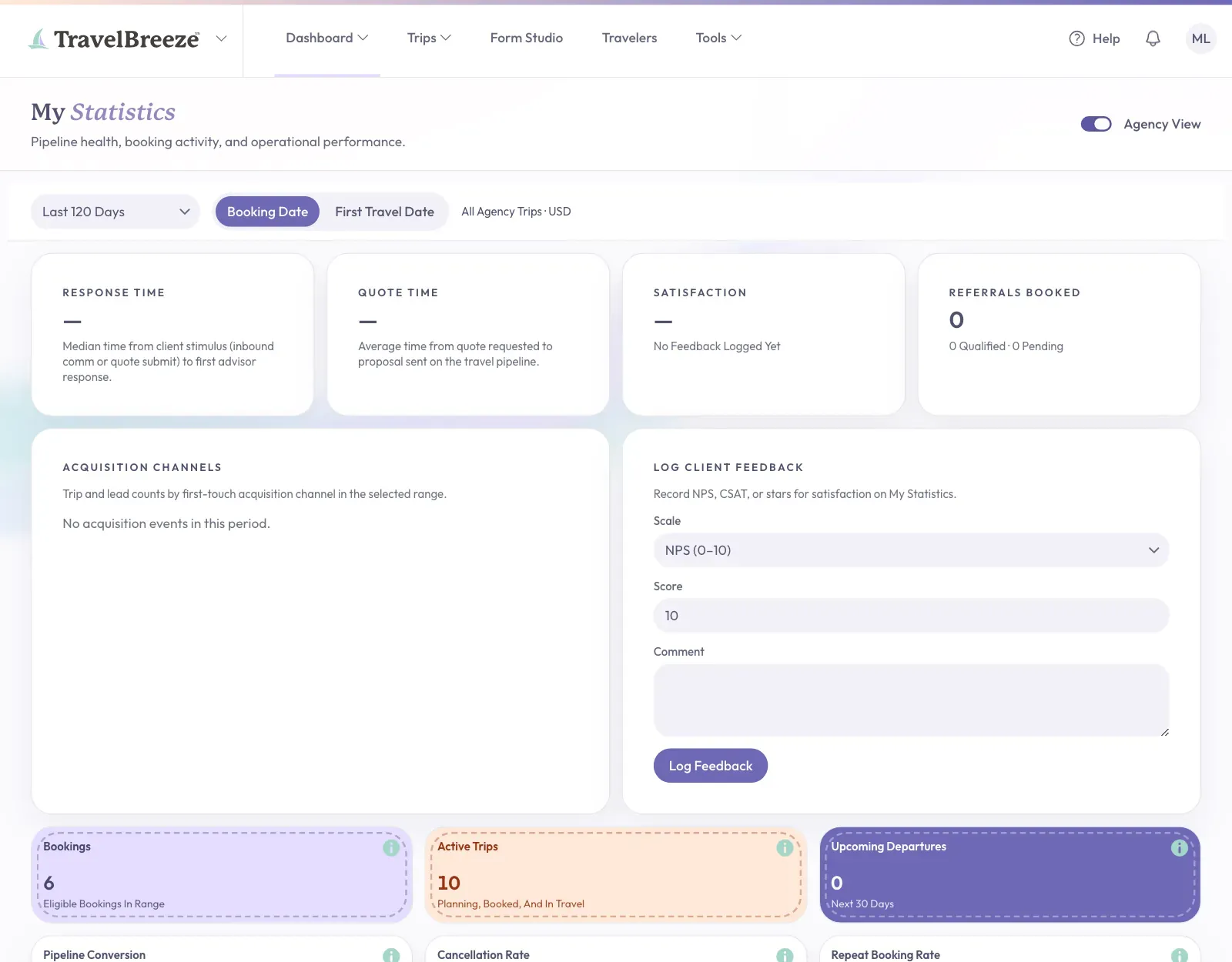
You will see how your trips and bookings are going. If you see No analytics data is available yet., you have not added enough trips yet.
See Your Calendar
-
Look at the top of the page and click Dashboard.
-
In the menu that opens, click My Calendar.
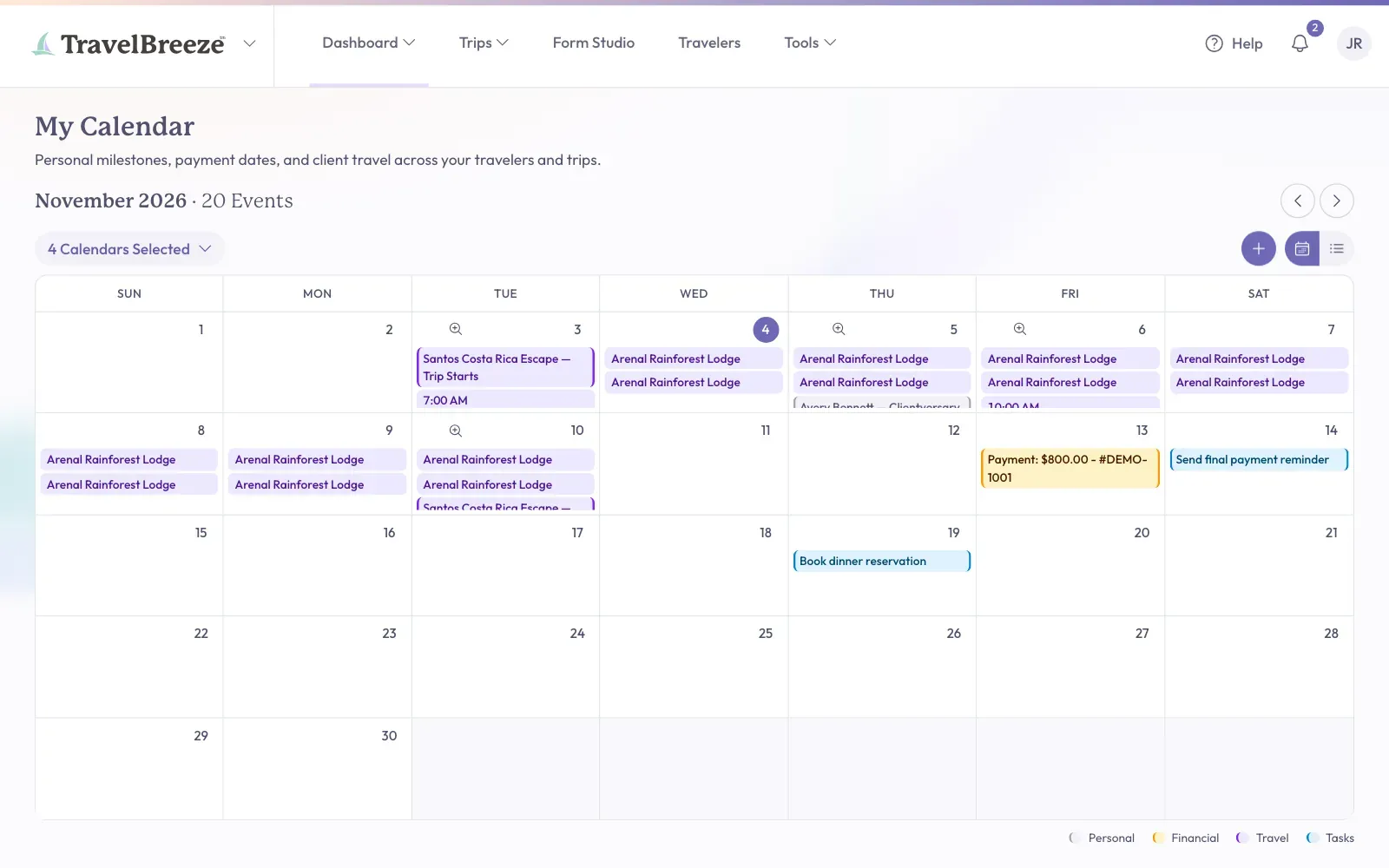
-
Click anything on the calendar to learn more about it.
-
To add something to do, click the small plus button at the top of the calendar. Then click Create Task.
See The Whole Agency
Some roles also see a switch called Agency View at the top of the page. Click it to see the whole agency instead of just your own work.
Good to know: Not seeing Agency View? Your role does not include it. Read Change What Someone Can Do In Your Agency.