
This article is for agency owners, admins, and Staff. Advisors cannot open this page.
A reward raises an advisor's commission on bookings that match rules you choose. It only works on unpaid bookings in US dollars.
Open Rewards
-
Look at the top left corner of the page. Click the logo.
-
Click Back Office Menu.
-
Look along the top of the page and click Rewards.
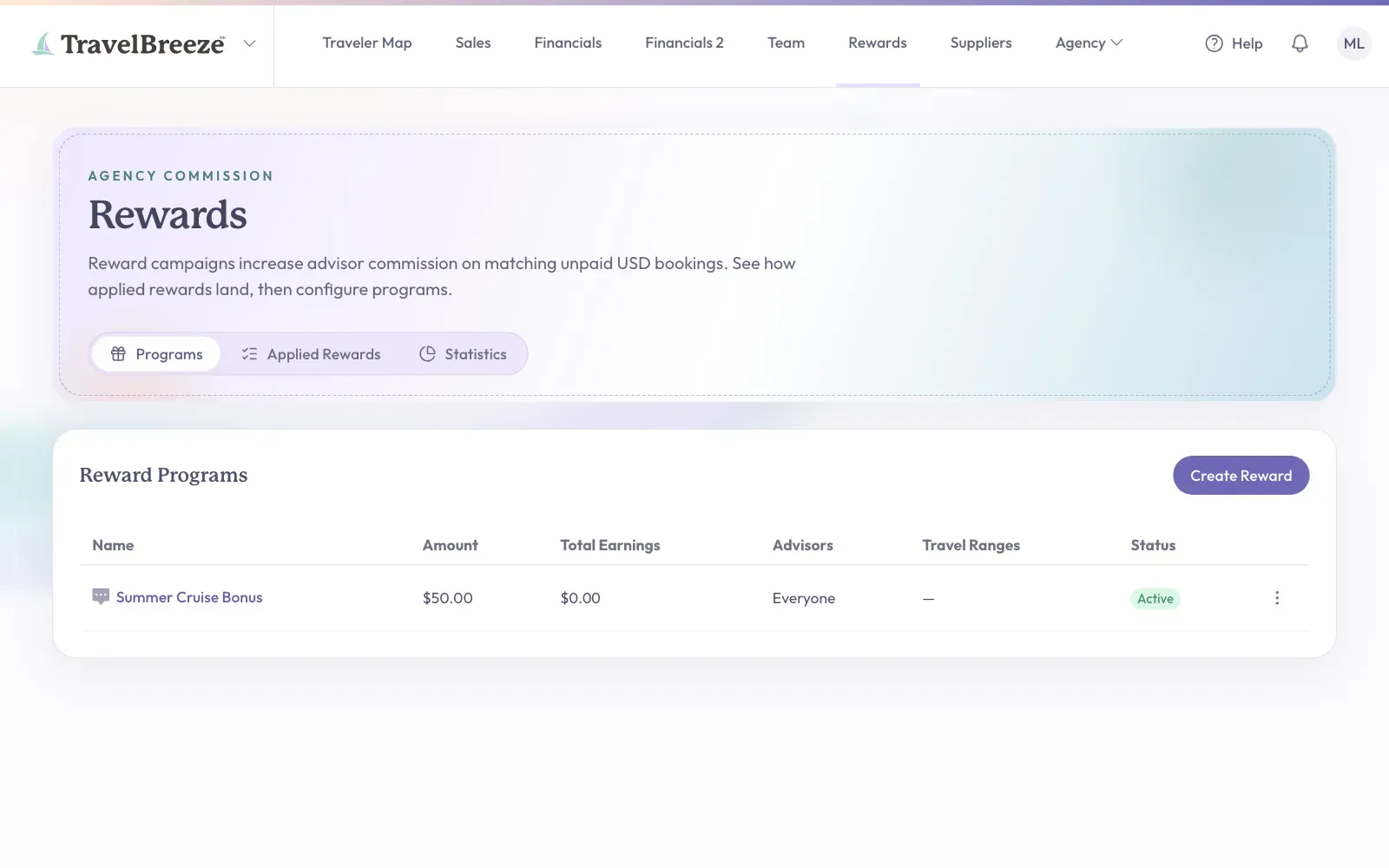
The Three Tabs
- Programs lists your rewards.
- Applied Rewards lists each booking that got a reward.
- Statistics shows how your rewards are doing.
Create A Reward
-
On the Programs tab, click Create Reward. A panel opens.
-
Type a name in the Reward Name box.
-
Under The Reward, choose the amount.
-
Under Who Earns, choose the advisors.
-
Under Triggers, choose which bookings count.
-
Click Create Reward at the bottom of the panel.
Here is what two of the choices mean:
- Stackable lets this reward combine with other rewards on the same booking.
- Retroactive On Save updates unpaid bookings to match this reward when you save.
Careful: Dollar amount rewards count toward the agency commission cap.
Good to know: To undo a reward on one booking, open the Applied Rewards tab and click Void Reward on that row.