
Form Studio helps you ask travelers for information. You build a form once, then email it to any traveler. Their answers come back to you, in one place.
How To Find It
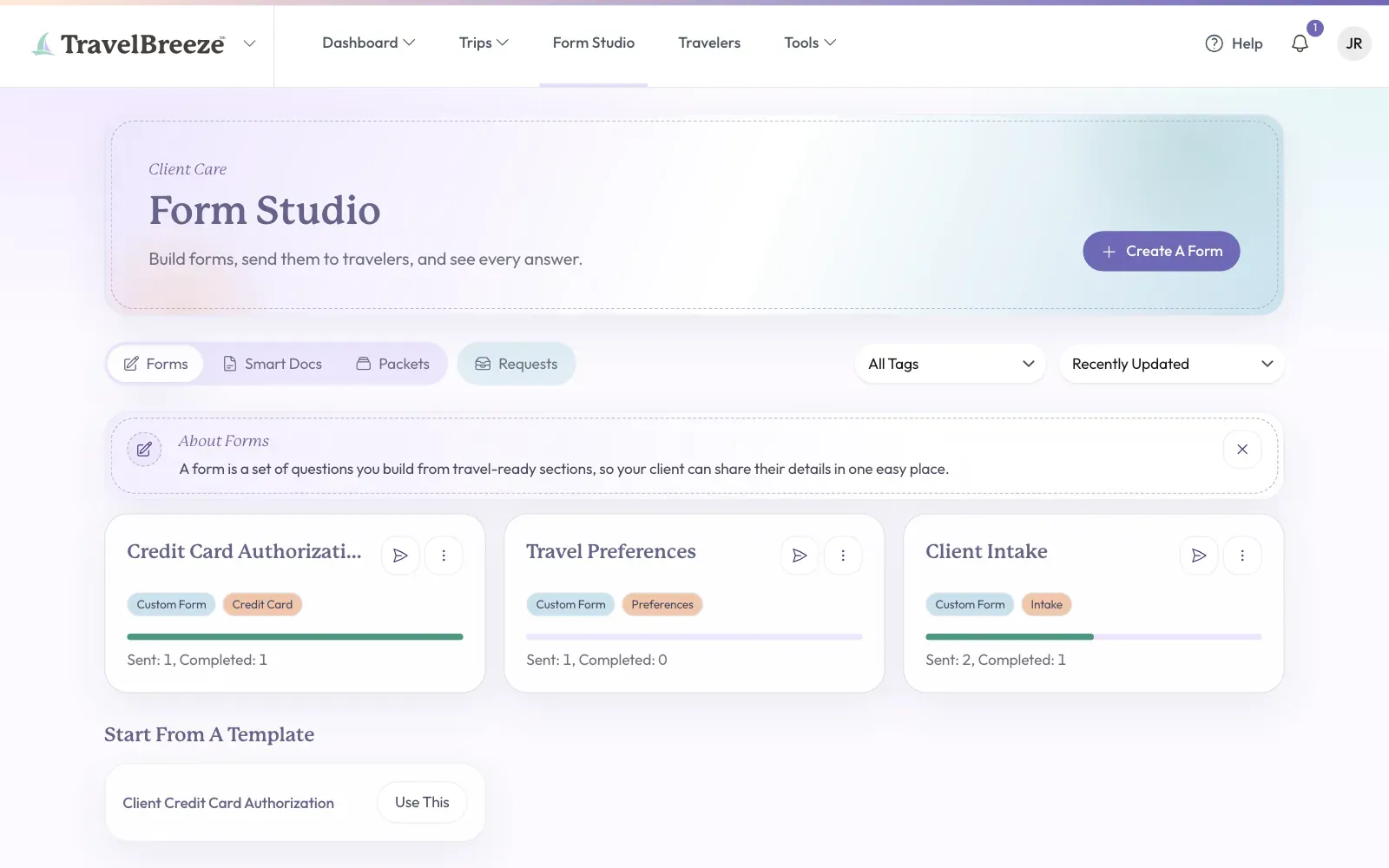
Look at the top of the page and click Form Studio.
Good to know: You will only see this on a paid plan. If you do not see it, read Change Your Plan.
The Four Tabs
You will see these tabs under the big Form Studio heading.
- Forms holds forms with questions. Below your forms, Start From A Template has ready-made forms you can copy.
- Smart Docs holds PDFs you already use, with places to sign and fill in.
- Packets holds groups of forms and Smart Docs, sent together in one email.
- Requests lists every form you sent, and shows who finished it.
What You Can Make
Click Create A Form at the top right of the page. You will see these choices:
- Custom Form is a form with questions. Use it to ask about passports or dietary needs. Read Create A Form.
- Smart Document is a PDF you already use, like a waiver. Read Smart Documents For Signatures.
- Packet puts several forms together. Read Packets.
- Build With AI writes a first draft of a form for you, from your description.
What Happens After You Send
Each traveler gets their own copy of the form. If you change the form later, copies you already sent stay the same. Read Send A Form To A Traveler and See A Traveler's Answers.
Collecting A Credit Card
Use the Credit Card Auth preset. A preset is a group of questions that stays together. It is the only way to collect a card on a form. Read Collect A Credit Card Authorization.
Who Can See What
- Forms, Smart Docs, and Packets: only the person who built them can see them.
- Requests: you see the requests you sent, and requests sent to travelers you own.
- Agency owners, admins, and Staff see every request in the agency.
Stuck? Email us at [email protected] and tell us what you are trying to collect.